




A digital
INTERFAACE
must be simple
AND CAPTIVAATING
When we set out to create a user interface, this is our first thought. We ensure that a software product is optimised and high-performing from a technological and engineering standpoint and, at the same time, that the highest standards of usability and ergonomics are met.
To achieve this goal, the balance between creativity and technique is essential and, within our team, the continuous exchange of ideas, expertise and solutions among diverse professional figures is a guarantee of results.
Our approach to usability is well illustrated by HNext, a platform we designed following the SaaS (Software-as-a-Service) model to allow hotel guests to meet any need entirely on their own.

Preliminary analysis of the context revealed that:
And then what? Once the purchase is made, the user enters a state of abandonment.
Most hospitality facilities do not focus on showcasing the local area, leaving visitors "disconnected" from the host city. With HNext, we connected hotels, users and cities by offering a marketplace of experiences, products and services, giving visibility to museums, local artisans, shops and private hire services through proximity systems.
HNext consisted of a mobile app (in native iOS and Android versions) and an online CMS through which each hotel listed the services automatically distributed via the app.
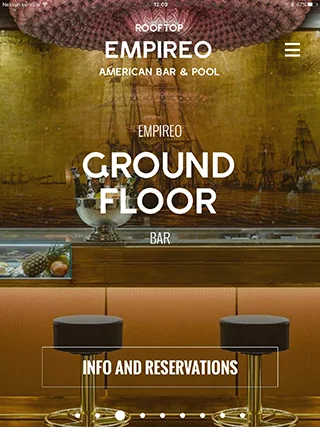
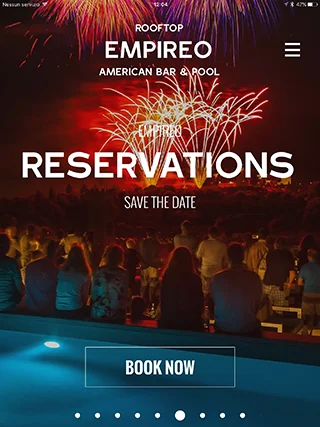
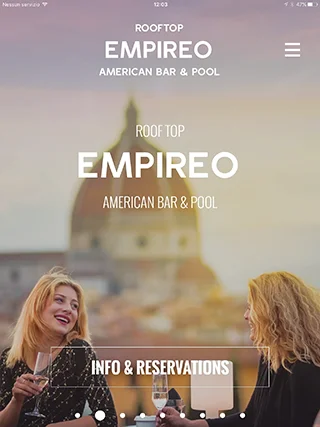
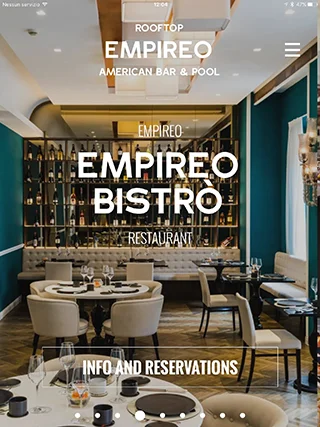
Inside the hotel, proximity sensors (iBeacon) were installed, through which guests were informed in real time about ongoing initiatives. This was made possible by push notifications scheduled and managed entirely by hotel staff.
The UI/UX design was completely shaped by our analysis. On launching the app, local weather forecasts for the current and following day appeared immediately, allowing users to plan excursions or guided tours.
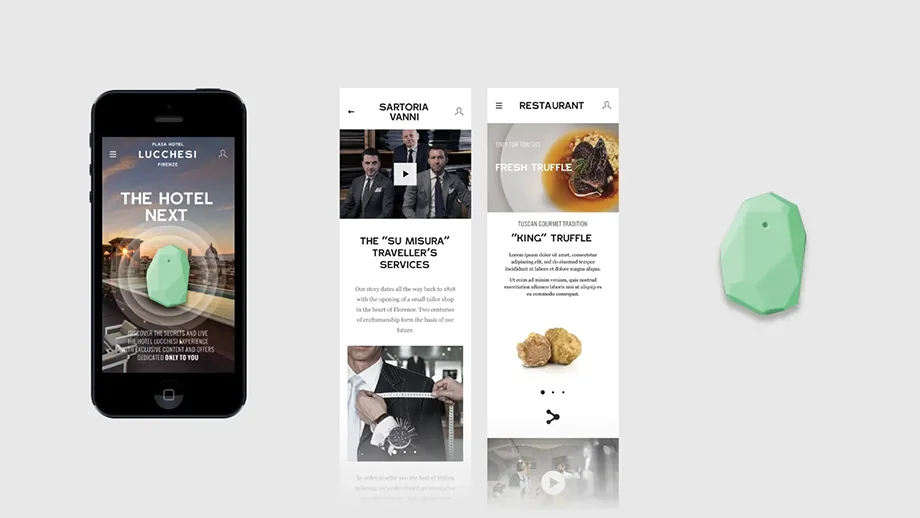
In the local events section, users could also book services or discover local artisans. This doubled the pleasure of the stay, allowing hotel guests to enjoy not only a real-world experience, but also a rich and engaging digital one.
Even safety
requires an effort in
terms of
USABBILITY
That's what we did with OutList, an application dedicated to the creation of checklists, developed to improve data collection during inspections of industrial racking systems.
To avoid errors and make manual data collection as simple as possible, the UI features interactive areas such as large buttons and text fields.
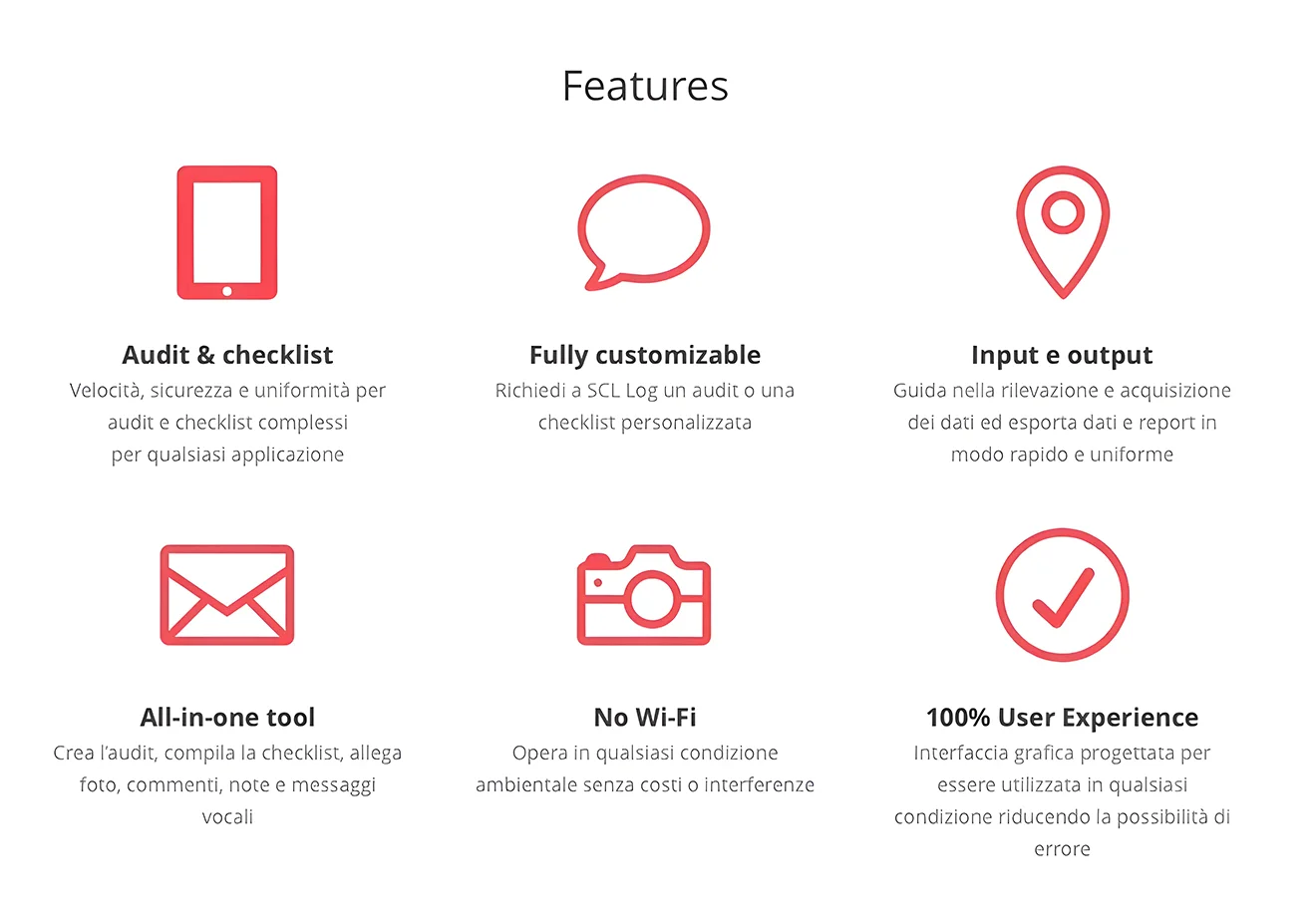
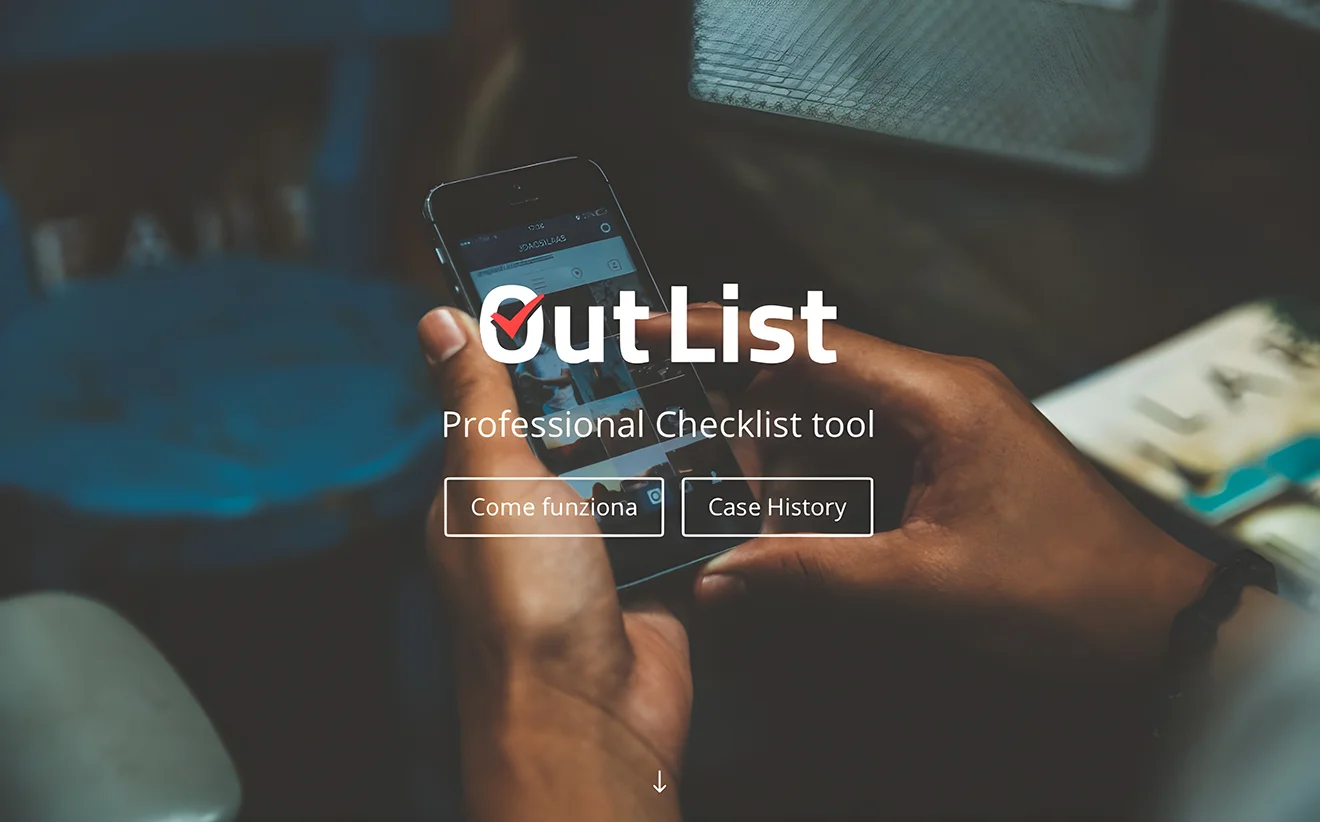
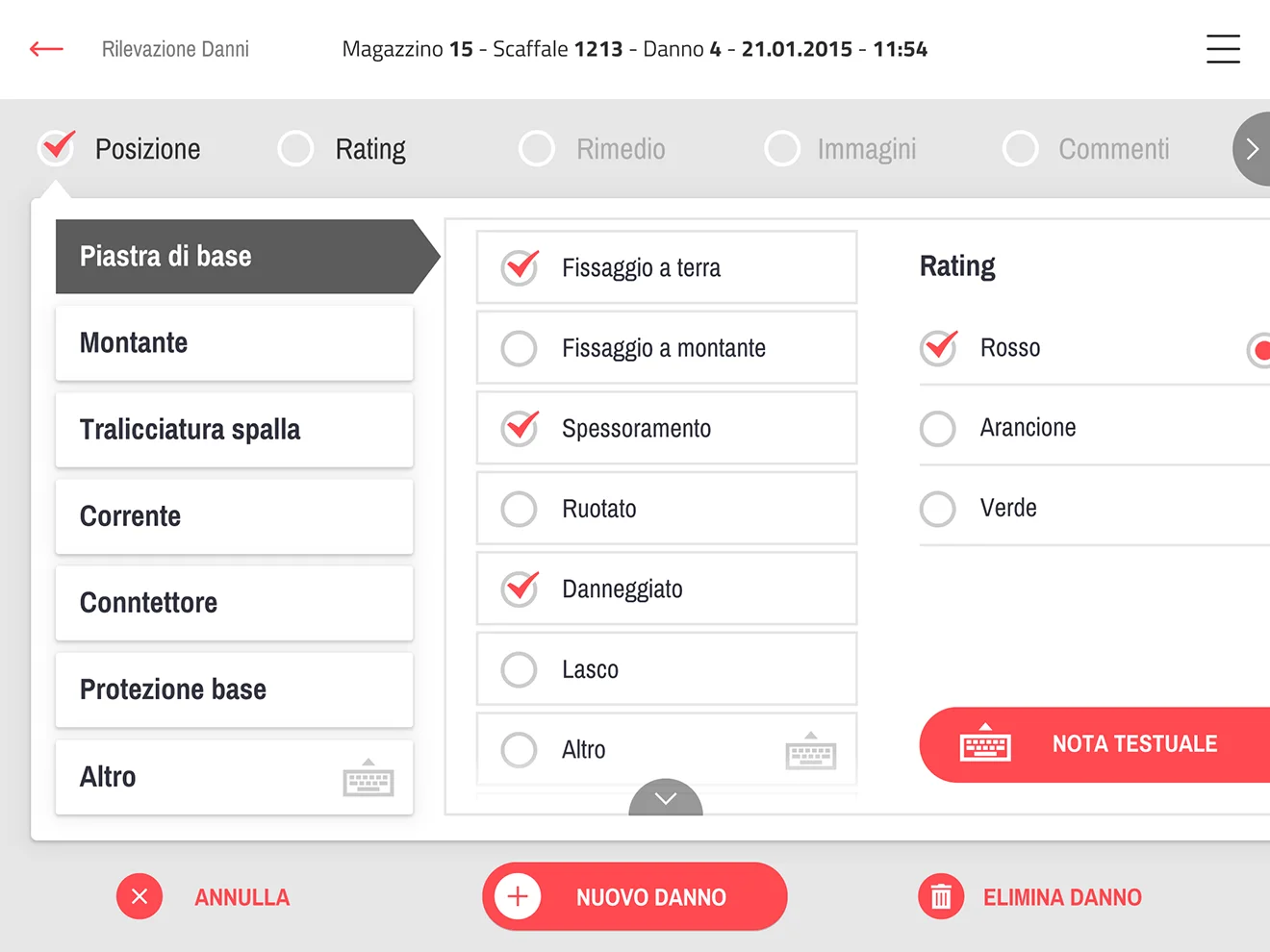
For each piece of damage recorded, it is possible to attach one or more photos, taken directly from the device camera or imported from a professional digital camera.
We designed and built this tool with a "generalist" approach, both for the UI/UX components and for the data structure, as the app can be used to record any type of issue related to the concept of a "process inspection". The user experience was judged outstanding and saved operators in this sector a significant amount of time.
Equipping a product with a digital component for initial installation or subsequent monitoring is no trivial matter.
The challenge here was to create digital tools to serve a range of different operators, from blacksmiths to professional installers.
In the first case, we developed the Comunello ONE app:
In the first case, we developed the Comunello ONE app:
a simple and visually appealing solution for the installation and configuration of a Comunello automatic gate.

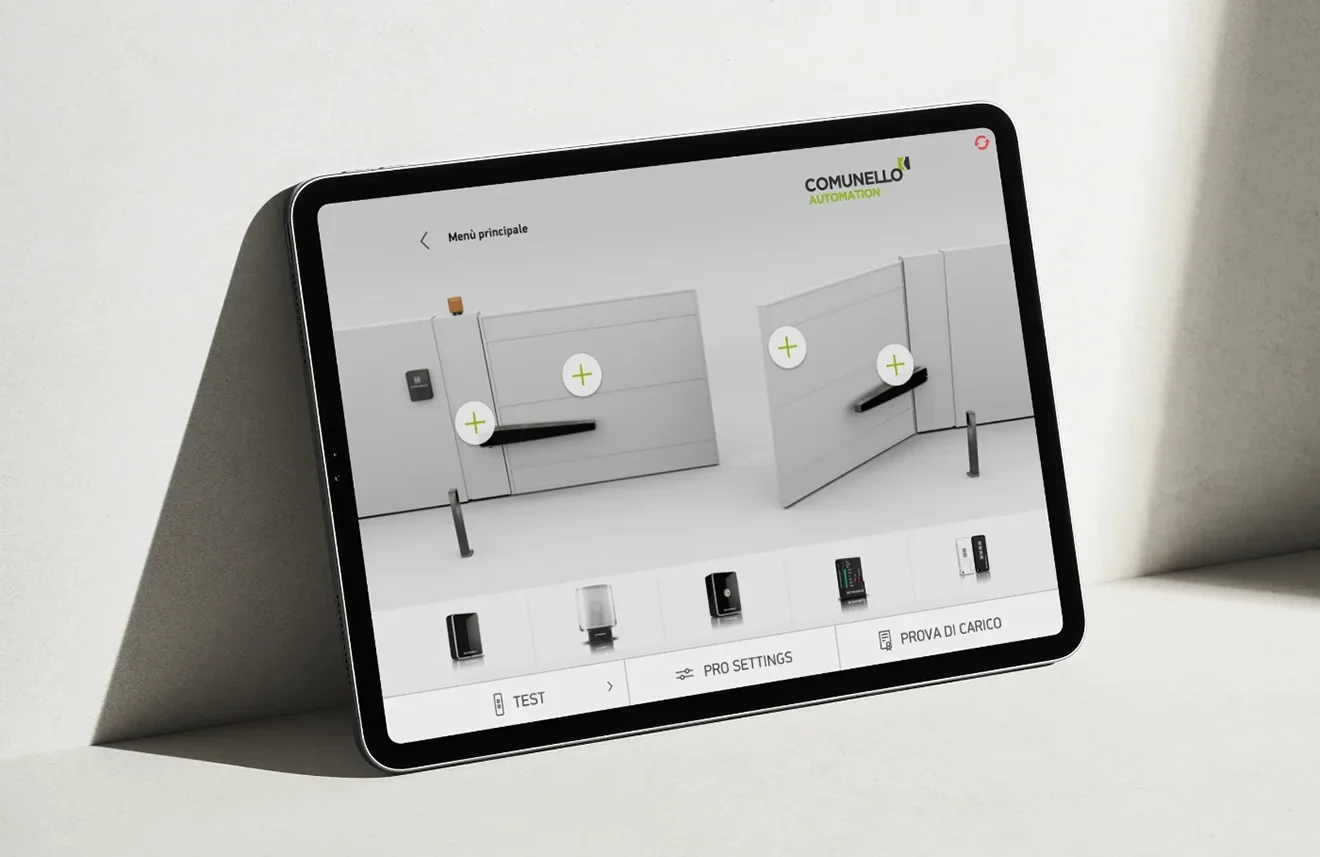
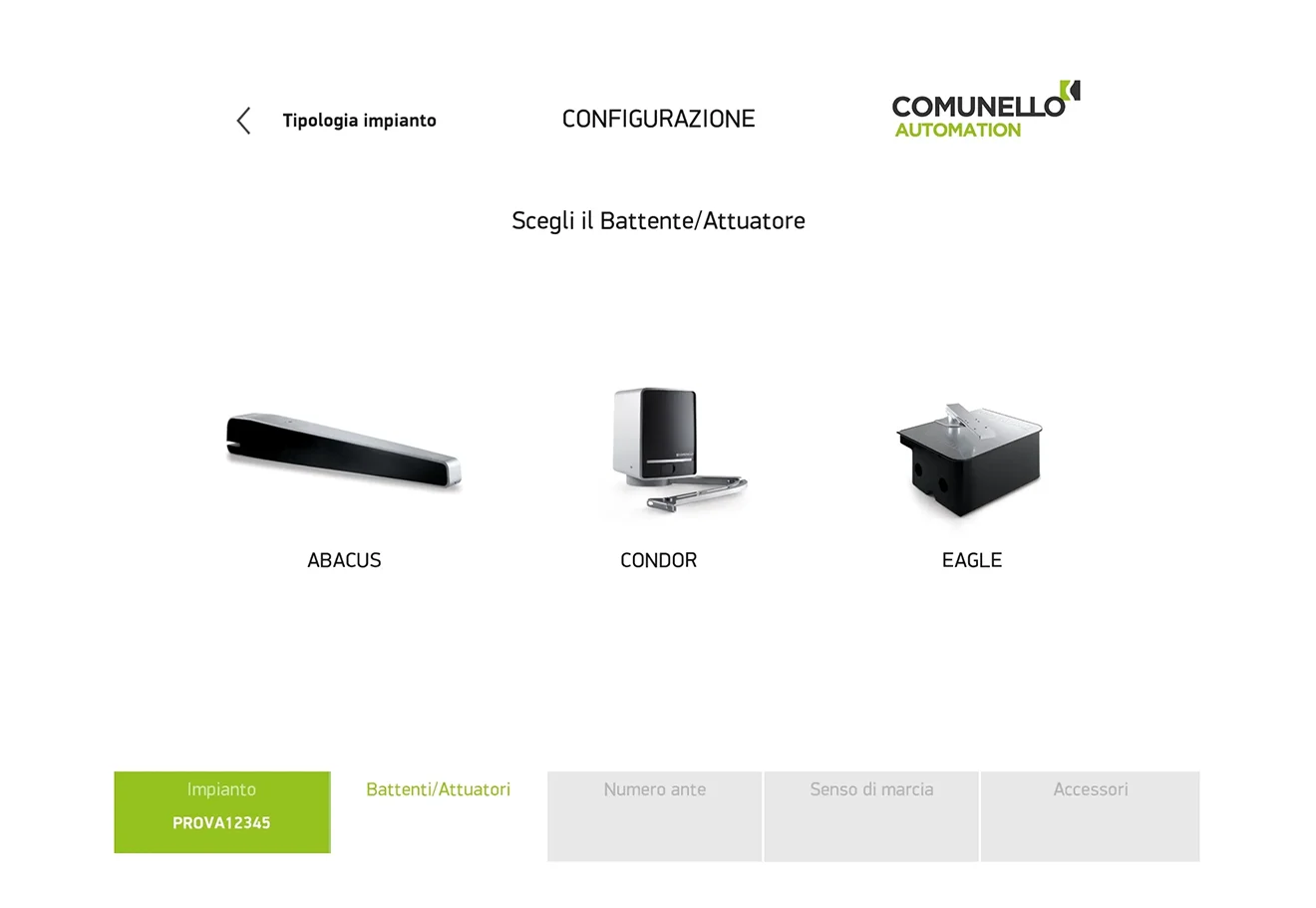
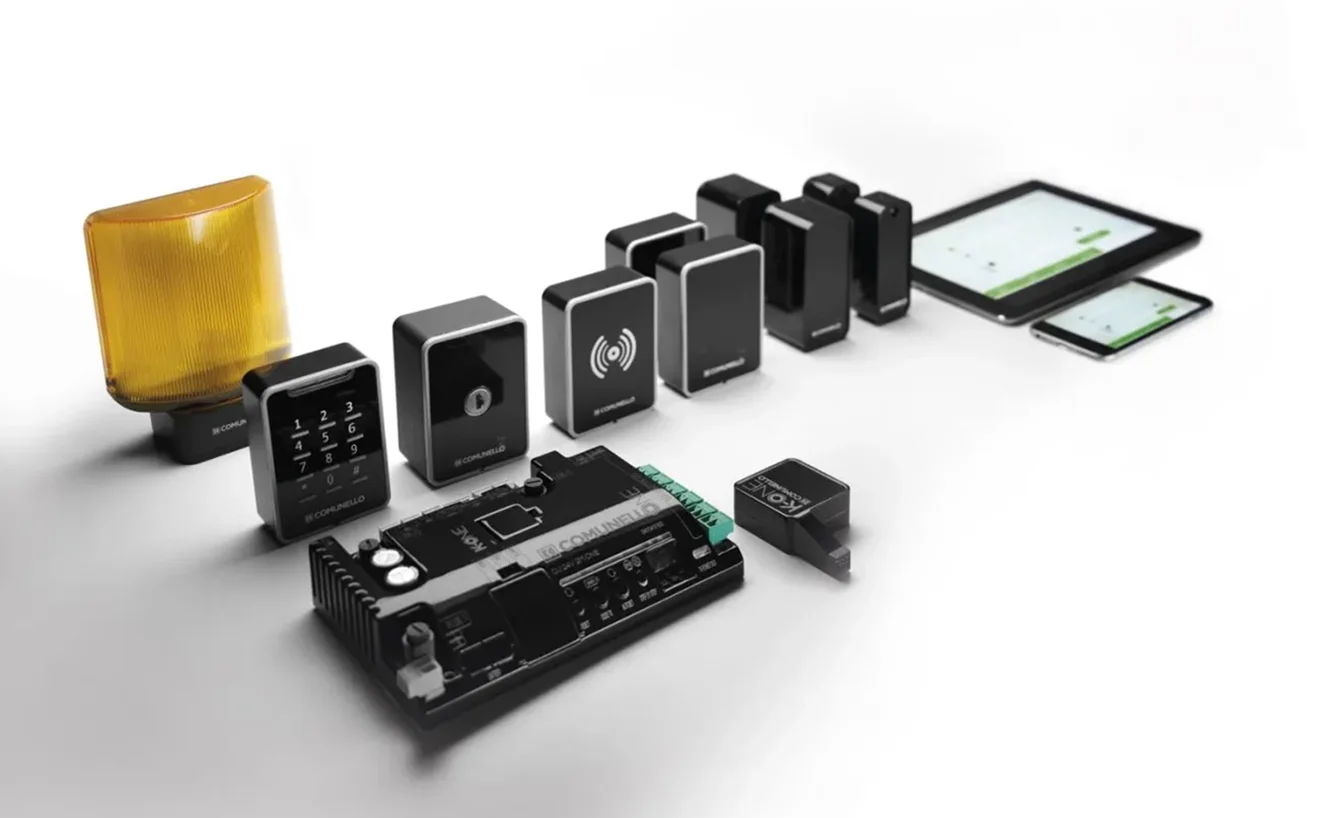
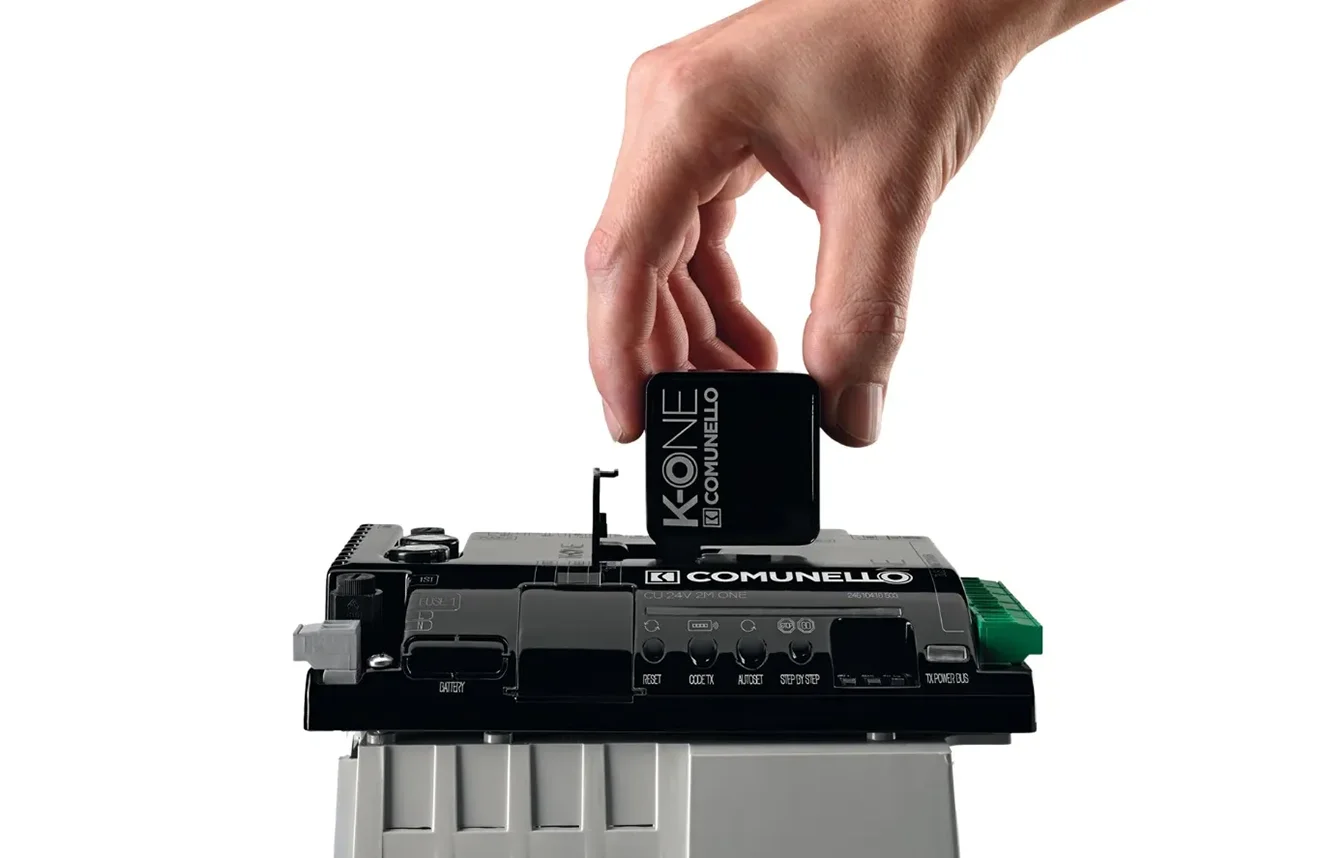
In the past, installations were carried out exclusively through the physical connection of all components, following the specifications of the various connectors and mechanically setting the opening and closing speeds or activating the various remote controls.
With the app and the new engineering of the boards inside the gate control unit, it is now possible to establish a WiFi connection and access the setup of all system parameters.
In addition, users can choose the type of gate from those supported by the installed motor (sliding, stop or barrier), set the opening and closing speed and power, reverse the rotation of each motor and configure all detected accessories, without having to touch the mechanical part of the system.
To develop the Comunello ONE app, we chose to use the Unity 3D framework, typically used for video game development.
This allowed us to create 3D previews of the installation, even before proceeding with the actual system configuration.
Mondorama Studios handled the creation of the 3D models, animating them with the speeds set in the real product with impressive realism. The app thus also became a marketing tool, offering clients the ability to view other solutions through photos of the various Comunello components available, "placed" within the system configuration tool.
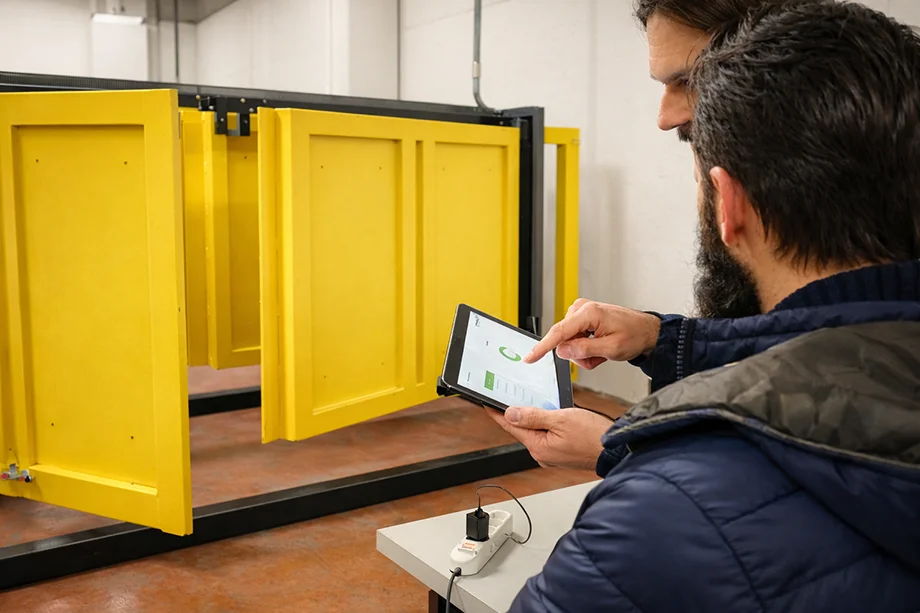
The UI/UX development had to take into account the target users, who are typically not very tech-savvy, creating both a visual language as close to reality as possible and easy interaction areas, breaking down the more complex steps into sequential stages.
To meet the
COONFIGURA
TION NEEEDS
of domestic and industrial pumps, we developed the DConnect app by DAB Pumps.
In this case too, the choice of using a UI with large buttons and different colours for the various functions proved successful. We managed to create a simple, clear and effective tool, capable of strengthening the brand-user bond and enhancing DAB's digital presence.
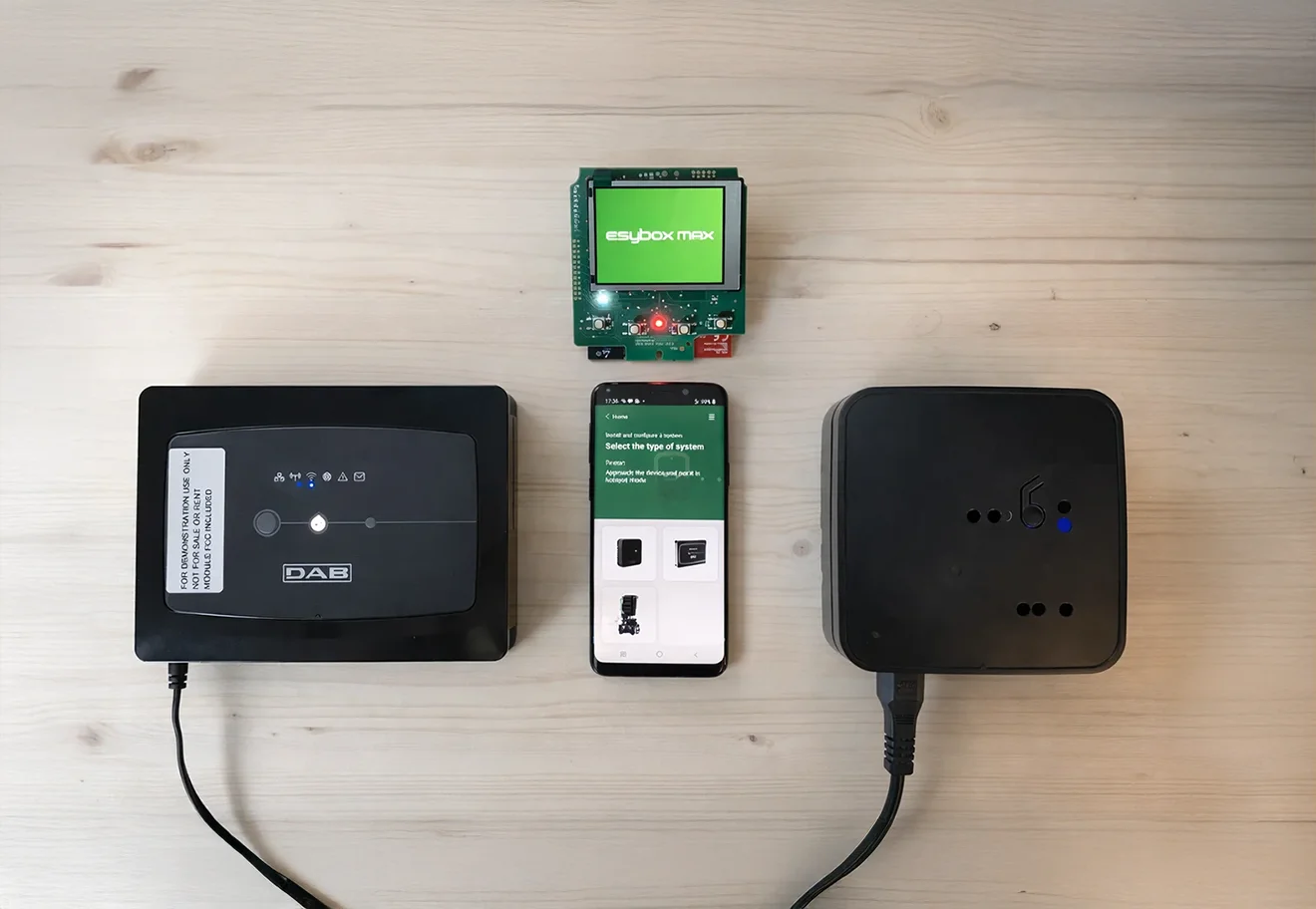
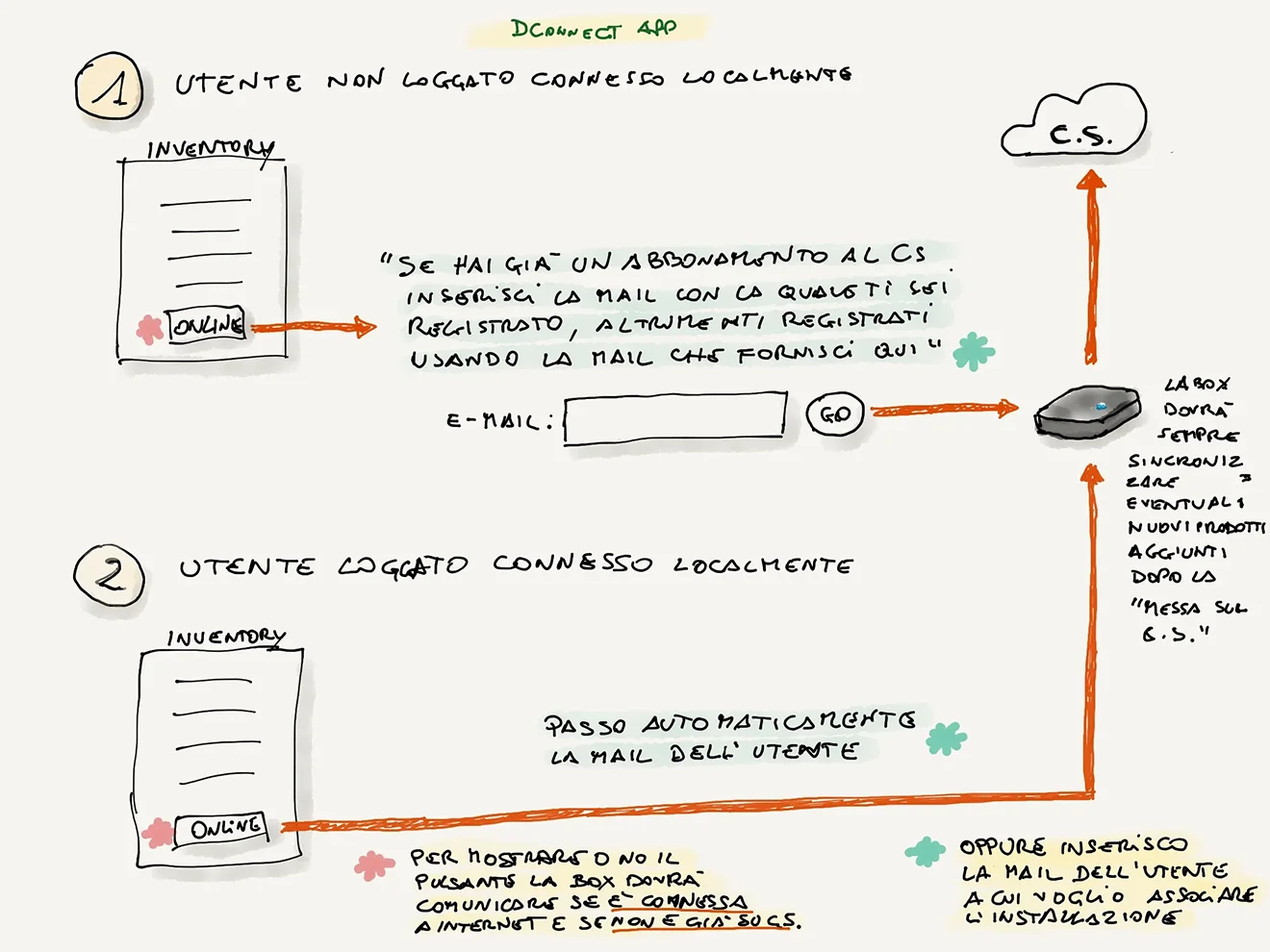
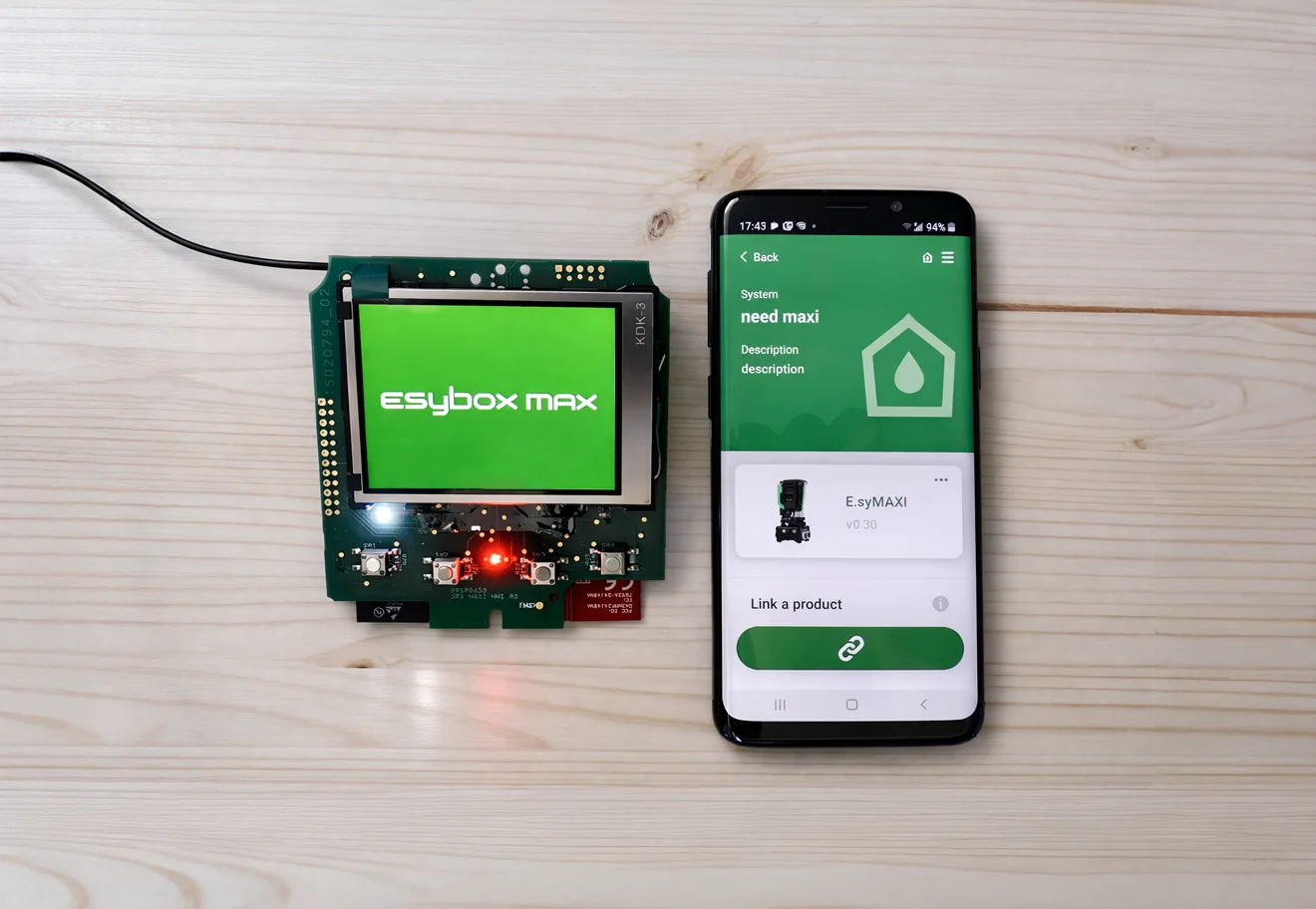
For both Comunello ONE and DConnect, collaboration with the companies' technical teams was fundamental: they shared the know-how of their technologies and transferred valuable information that allowed us to create better interactions and a superior UI/UX.
In return, our feedback and hands-on experience also proved invaluable and enabled the re-engineering of parts of the process that the companies' technicians had already previously designed. Through the sharing of "descriptive" flow diagrams and the creation of mockups, we were able to resolve even the most complex situations.
Speaking of UI/UX
the final mention goes to the projects of CoccoLab, NeedNap's internal unit dedicated to the youngest users and their parents.
The challenges to solve here were even more complex, as the graphic interfaces of the various edugames had to be designed for both children and adults.
To meet this need, we designed different interaction systems to ensure an enjoyable experience with the content, tailored to the user's demographic profile, without restricting its use.
Beyond keeping the play area engaging and central, the various controls on the screen had to be easily accessible, recognisable and functional. And so they were, because being a child is serious business!
And when it comes to user experience, a special mention goes to the LullaLulla application: a digital collection of bedtime stories.
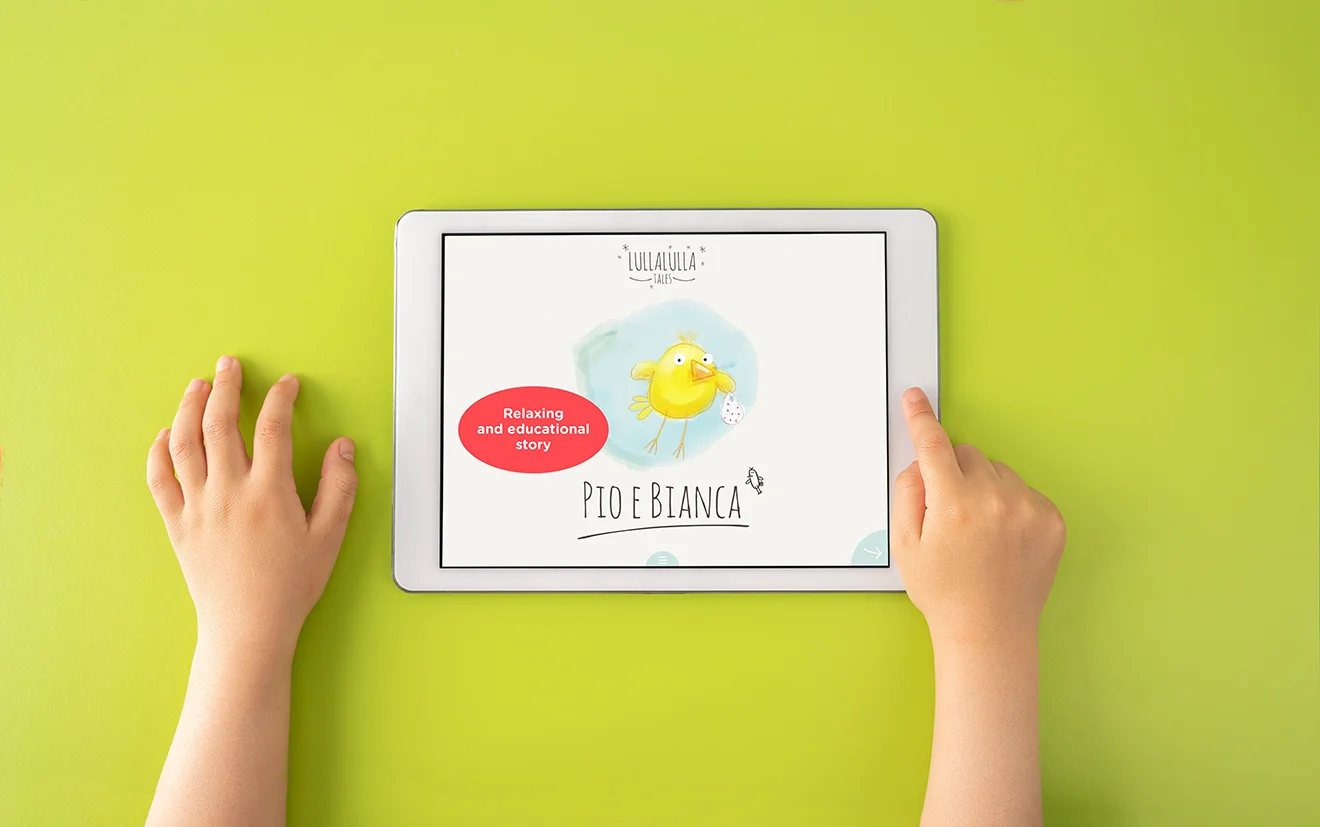
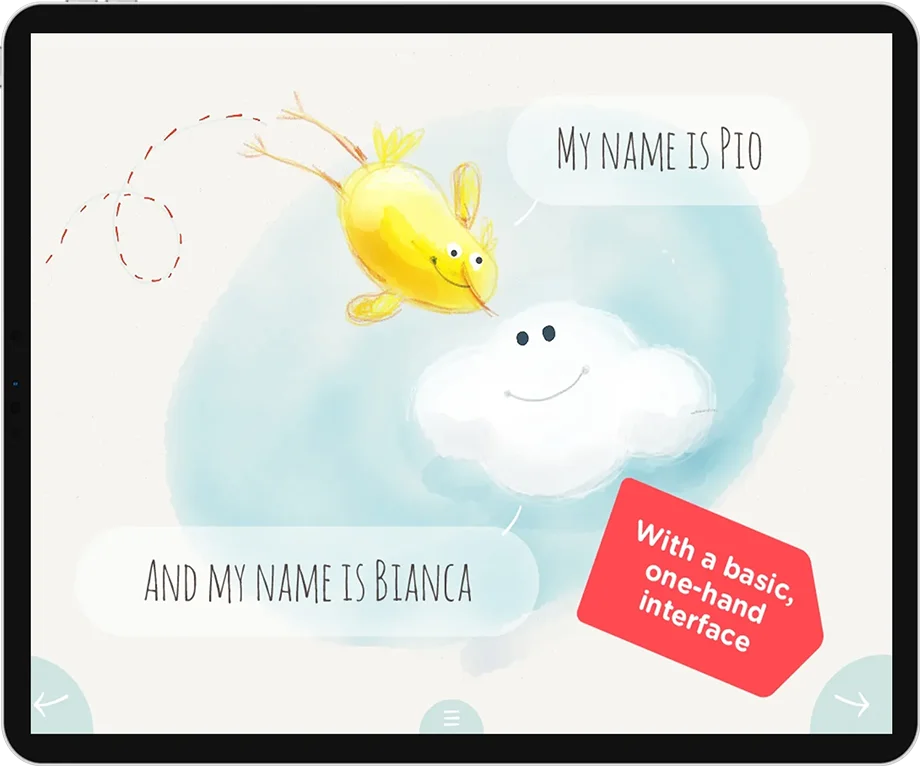
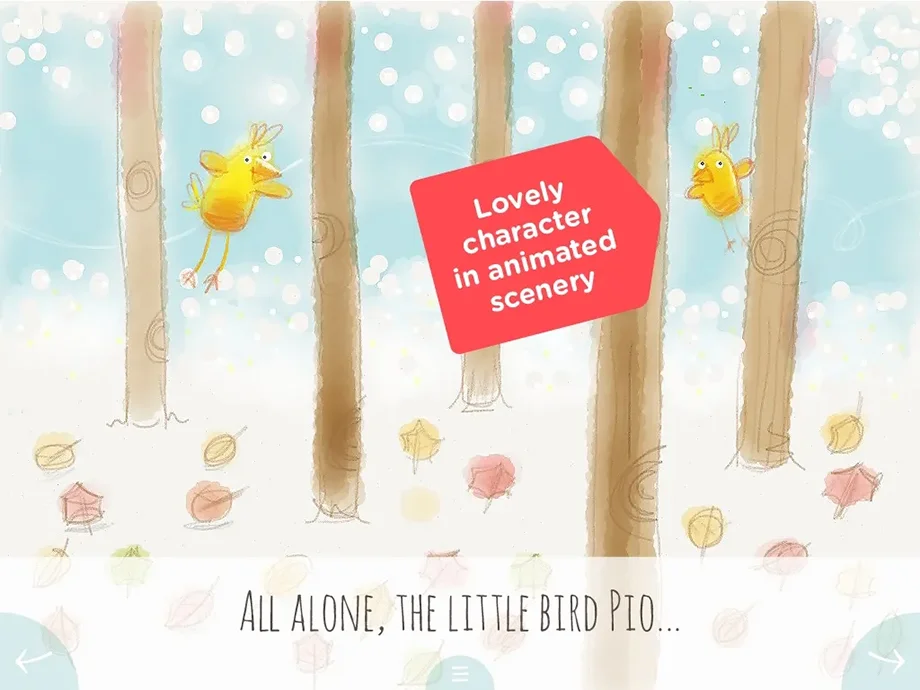

Every parent knows how sweet, yet at the same time challenging, it can be to accompany their little ones to sleep with a story.
Children are very demanding and have an excellent memory: surprising them, without repetition, is sometimes genuinely difficult!
That's why we designed an app to draw inspiration from classic fairy tales and then improvise with a storyline.
After this overview, our approach holds no more secrets...
When it comes to user interfaces — in any context, professional or recreational — our belief is just one:
User is the King.
OVERVIEW
Interdisciplinary development and ideation
Creativity, graphics, prototyping
User experience as a primary feature of our projects
Data analysis to optimize experiences
UI/UX HNEXT
Hotel SaaS: autonomy, services, local territory
Design centered on usability, ergonomics and product performance
Platform designed on a SaaS model
Mobile app + online CMS to automatically distribute hotel services
Proximity sensors to inform in real time about initiatives via push notifications
Marketplace of experiences and services: relationship between hotel, users and the city
UI/UXiOSAndroidSaaSCMSProximity
UI/UX OUTLIST
Inspection Checklists: safety and usability
Application to create checklists and improve data collection during industrial rack inspections
Goal: detect damage, reduce errors and produce a final report with safety intervention measures
Overcoming paper-based workflow: fewer errors, less data loss, no subsequent digitization
Ergonomic UI designed to ensure usability in demanding operating conditions
Single tool to collect data, take photos, take notes
ChecklistField WorkAndroidXamarin FormsReporting
UI/UX COMUNELLO
Comunello ONE: intuitive gate configuration
App for installing and configuring automatic gates, designed for users with varying skill levels
Visual selection of gate type, speed/power adjustment, motor and accessories management
3D preview of the installation before the actual configuration
Custom-designed UI/UX: custom components and sequential steps for complex processes
WiFi3D PreviewUnity 3DCustom UIIndustrialInnovation
UI/UX DAB PUMPS
DConnect: pump configuration, clarity and immediacy
App to meet the configuration needs of domestic or industrial pumps
Effective UI choices: large buttons and distinct colors for each function
Goal: a simple, clear and effective tool
Collaboration with technical teams for knowledge transfer and field validation
IoTBLEConfigurationMockupsLocal & RemoteDesign
UI/UX COCCOLAB
Edugames: children and parents, the same experience
Projects dedicated to young children and their parents: different targets within the same UI
Accessible, recognizable and functional controls while keeping the play area central
LullaLulla: a digital collection of bedtime stories
Illustrations + key phrases beneath each screen to support storytelling
EdutainmentKidsParentsStorytellingAccessibility